In other news…

Thursday, 8. November 2012

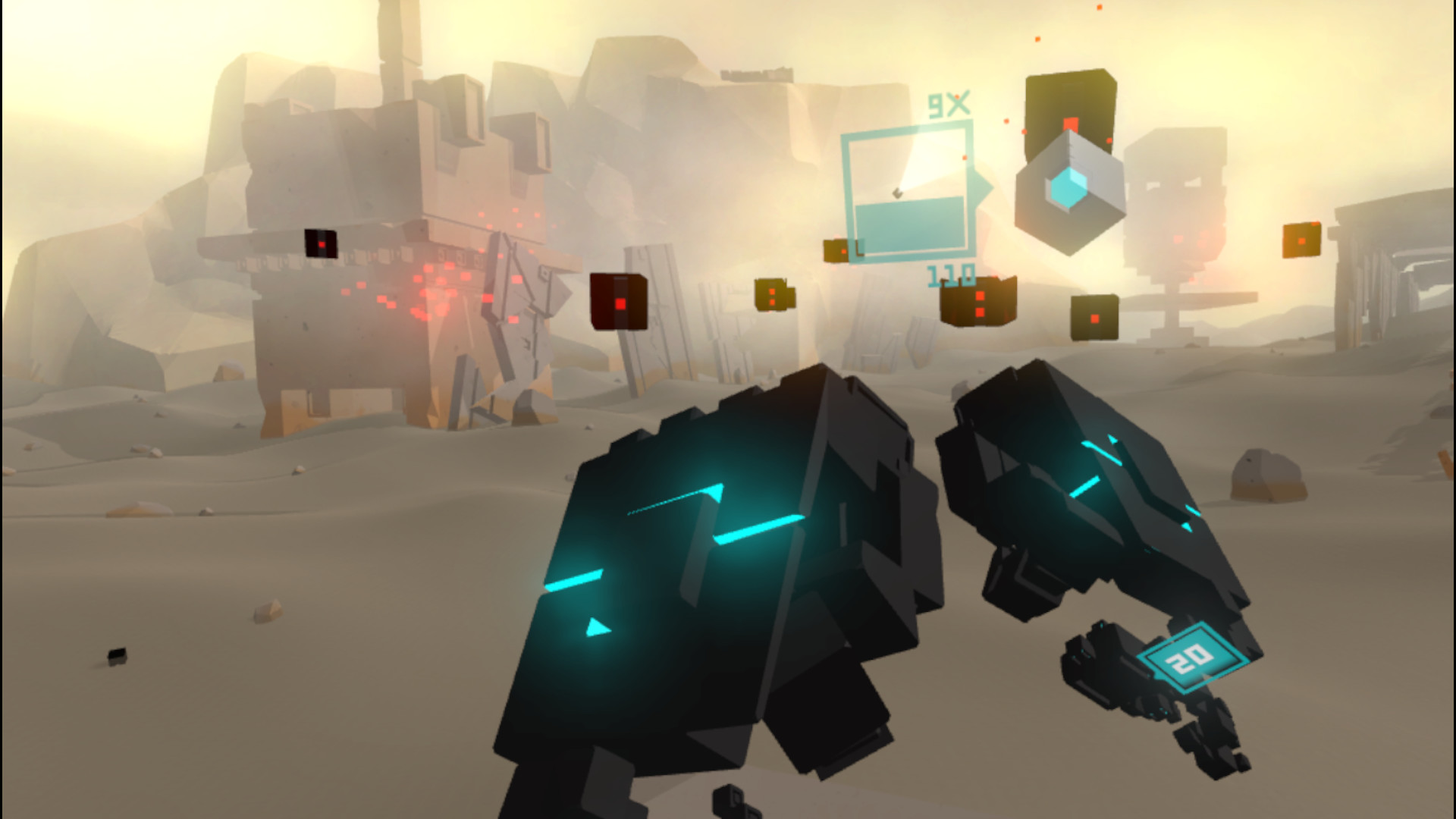
…I decided to cancel Beam Rider: after trying various gameplay styles, it just turned out not funny enough to be worth the effort.

A MonoGame+GTK multiwindow sample application

Tuesday, 6. November 2012

---------------- Edited on 11/08/2012 ----------------

Solved the shutdown problem.


Updated both the article and MonoDevelop source code.

------------------------------------------------------

The premise

I am planning a lightweight, very specialized, multiplatform, isometric game modeler, that should share the rendering engine with a future game. At the moment I’m investigating the best technology to use and one option was obviously Unity, but I want to use screen space effects in rendering, possibly for free. Another possibility was XNA+WinForms, but the idea of making a MonoGame application from scratch, instead of porting an existing one, has been tickling me for a while, and I set out to test the MonoGame+GTK combination.

In the past week end I googled around a bit and it turns out that having MonoGame render in a GTK widget is fairly complex and a task still open. So I tried a Gimp styled multiwindow approach, with the MonoGame window separated from the GTK toolbox, and it seems to be a quite simple way to follow. Here are the results of my experiment (windows only, for now):

The MonoGame+GTK sample in action

The application shows a MonoGame window with a rotating cube, and a GTK panel with controls to change some aspects of the simple scene.

The setup

I made my experiments with MonoDevelop 3.0.4.7 and MonoGame 3.0 beta, on a Windows 7 laptop. The basis was a MonoGame application with GTK support enabled in the wizard.

At this point you can normally right click your project and add a GTK window or dialog to be set up with your controls (mine is called ToolsWindow). Next, I will show you the code to attach this window/dialog to the MonoGame main class.

The GTK window system management

The trick here is to have both the Gtk window and the gtk update cycle on a different thread from the MonoGame one. So, for sake of clarity, let’s define a separate class to handle this task:

public class GtkThread
{
    private GtkApp theApp;
    private Thread theThread;

    // The Gtk window
    private ToolsWindow toolsWindow;
    public ToolsWindow ToolsWindow
    {
        get { return toolsWindow; }
    }

    public bool IsInitialized { get; private set; }
    private bool wantsToStop = false;
		
    public GtkThread (GtkApp app)
    {
        theApp = app;
        IsInitialized = false;
    }

    // Create and start the thred object
    public void Start ()
    {
        theThread = new Thread(new ThreadStart(RunLoop));
        theThread.Start();
    }

    // Ask the main loop to exit gracefully
    public void Stop ()
    {
        wantsToStop = true;
    }

    // This is the Gtk thread's main loop
    public void RunLoop()
    {
        while (true) {
            // Check if the thread was asked to stop
            if(!wantsToStop)
            {
                if(!IsInitialized)
                {
                    // Initialize GTK application
                    Gtk.Application.Init();

                    // Create and show our GTK window
                    toolsWindow = new ToolsWindow(theApp);
                    toolsWindow.Show();

                    IsInitialized = true;
                }

                Gtk.Application.RunIteration (false);
            }
            else
            {
                // Exit the thread gracefully
                if(IsInitialized)
                {
                    // Close Gtk
                    Gtk.Application.Quit();
                    IsInitialized = false;
                }

                // Break out the main loop and end the thread
                break;
            }

            // Let's make the loop pause a bit
            System.Threading.Thread.Sleep(20);
        }
    }
}

The Gtk window is defined as a member and is accessible through a public property. The core of this class is the RunLoop method, which contains the actual code running on the thread. It’s a continuous loop interrupted with a brief Sleep to let the main MonoGame thread do it’s stuff. On each iteration we first check to see if the thread was asked to stop (you never have to stop a thread abruptly), in which case, if the thread had been able to initialize, we proceed to shut down the Gtk framework with a call to Gtk.Application.Quit(), then we break the main loop to actually end the thread. On the first run, the main loop initializes the framework with Gtk.Application.Init() and then creates and shows the Gtk window. Then, on every iteration, it calls Gtk.Application.RunIteration(false) which tells Gtk to have a turn and then return the control to the caller without blocking the execution.

Another thing we need to do is to create and launch the Gtk thread in our MonoGame class, and we do this in the constructor:

// Create and start the Gtk thread
gtkThread = new GtkThread(this);
gtkThread.Start();

Finally, you have to let Gtk do it’s cleanup, when exiting the game. To do this, override the OnExiting method of your Game class, and be sure to call the following lines in it:

// Ask the Gtk thread to stop...
gtkThread.Stop();
// ...and wait for the main loop to actually end.
while(gtkThread.IsInitialized);

The while loop is needed to avoid exiting the Game before the Gtk thread actually stops.
And that’s it. This is the minimum effort required to let Gtk run in parallel with your MonoGame app. Next we need to set up some sort of communication between the two, to have a real interaction.

The communications

At this point I want to use the Gtk widgets to actually influence the scene in the MonoGame window. We need to use the Gtk signals, and for my experiment I went for a simple and direct approach. We need a two way communication: the Game class must be able to set the values of the widgets at initialization time, for example, to set the toolbox to the default values. Most importantly, the Gtk widgets must change the scene parameters when the user interacts with them.

To simplify, I will show the code for the xRotation scrollbar, which influences the rotation speed of the cube around the X axis. First I will need a reference to the Game class in the ToolWindow class, to be set up at construction time. Then I have a property in my Game class named XRotationSpeed which is used in the update loop to let the cube spin around the X axis. Finally, in the ToolWindow class, I defined the following method:

public void SetXRotationSpeed (float rot)
{
    xRotation.Value = rot;
}

This can be used to set the scrollbar value directly, and I call it in the Initialize method of the Game class. At this point we only need a handler to deal with the update ov the scrollbar’s value. This is easily done in the properties box of the widget, in the GTK visual editor inside MonoDevelop. In the signals panel, write the handler’s name in the Range->ValueChanged signal box and the editor will create a default handler. Then go to the code and substitute the default handler with something like this:

protected void xRotationChanged (object sender, EventArgs e)
{
    theGame.XRotationSpeed = (float)xRotation.Value;
}

This will automatically update the Game class property whenever the user moves the corresponding scrollbar. The same procedure can be used for any kind of widget, thus potentially altering any kind of data in your scene.

The complete code

I have shown only the important bits of code in this post, and if you want a complete view of the experiment or if you are just curious to try this little toy I made, you can find the complete MonoDevelop solution at this link.

A long due update

Monday, 13. August 2012

So… long time no see, uh? Well I’ve been stuck in some contract work recently and then I dived head to heels in the development of a new project… and then there was an earthquake! A terrible flood! Locusts! IT WASN’T MY FAULT, I SWEAR TO GOD!!!… sorry…

Anyway, here is the current status of OldSchoolPixel’s work:

A simple game mechanic idea popped up on my mind a few weeks ago, and I set up to prototype it quickly. It turned out to be very arcade but fairly enjoyable, so Beam Rider is born.

Beam Rider gameplay screenshot

Beam Rider gameplay screenshot

I will playtest and polish it a bit, then it’s headed for free to the Windows Phone marketplace.

After this brief suspension (and after GDC Europe), I am going to go back to The Tomb Of (Almost) A Thousand Rooms development. It’s going to be an arcade puzzle explorer, with semi-random tomb generation, simultaneous turn based action and tons of loot.

TOATR Main character

TOATR Main character

You are going to play this guy, hope you like him. More accurate info will follow soon enough.

In other news, the Voxculpt project is suspended in it’s current form: I’m not happy with it’s current aesthetic, and I’m working on a new one.

Voxculpt in action

Voxculpt in action

In the meantime, the last version is still here, if you want to try it.

I’ve also set up a convenient page to collect all the downloadable stuff from this site. Enjoy!

A video and some thoughts

Monday, 13. February 2012

Here is a video from the RPG prototype I am working on. It’s better viewed in fullscreen at 720p, but please bear in mind that all the graphics are draft placeholders.

This project is tightly linked with Voxculpt, a voxel editor I made with Unity3D. It aims to be a turn-based multiplayer dungeon (and other environments) crawler and I want to simulate a virtual game board with a voxel engine. Now that the engine is drafted, I have to sit down and think about the game design a bit more. Besides, I have a side project that I want to have done before April, so this one will be on hold for some weeks.

Voxculpt v0.6

Saturday, 28. January 2012

Just updated the Voxculpt editor (version 0.6). Try it here!

Voxculpt in action

Voxculpt in action

Most notable changes in this version:

  • Added fake occlusion mapping
  • Grid enlarged to 16x16x16
  • Added the ability to separately choose material and color
  • Added a customizable color palette

The material textures are definitely work in progress, and they should be more than four.

A C# lightweight generic pattern matcher

Thursday, 19. January 2012

What is it?

As the name says, it’s  class that matches patterns against given sets of values. Something like extremely simplified regular expressions (fixed length strings and only the ‘?’ character). It is generic, so it can be used with strings of any IComparable implementing types. After creating the matcher, you can set up a list of strings (optionally including the neutral or all-matching value) and then you can check any given string, of the same length as the patterns, to see if it matches any of them. It’s plain C#, so it can be used in Unity3D, XNA or any C# implementation that supports .NET generic collections.

What is it for?

Well, I wrote it the first time basically to obtain the following transformation:

Wall tiles transformation

Wall tiles transformation

I was working on a 2D top-down exploration prototype for Windows Phone (maybe one day I will turn it into something more playable) and after procedurally generating a wall/floor map, I needed to transform the single wall tiles in adjoining seamless walls. I figured out all the possible patterns (wall or floor) of eight tiles surrounding a single wall: the obvious solution is 256, but in many cases the value of a single tile didn’t matter, so I ended up with 47 possible patterns, each one associated with a wall type.

Walls tileset

Walls tileset

After generating the map, I use the pattern matcher to scan every wall tile in the map, transforming it in the right adjoining wall tile.

Lately, I’ve been working on a simple voxel block editor, and I found that the same class can be very useful to scan all the possible configurations of walls surrounding a single voxel face, thus finding the right fake occlusion texture to apply. Thinking about it, I’m sure that there are a few other possible cases where this class can be handy, so I thought to share it.

Here is a link to the source file: it’s commented and I think it’s pretty straightforward, but feel free to ask for any explanation.

A code sample

Here is a trivial example of how I set up the patterns for the tile adjusting code mentioned before. The ’0′ represent floor tiles (‘-’ in the commentss) and ’1′ represent wall tiles (‘#’ in the coments). I use bytes instead of bools to use 255 (‘?’ in the comments) as a neutral value, meaning: “doesn’t matter if this is a wall or a floor”. First I create the matcher specifying the length of the byte strings to use (8) and the value to use as neutral (255), and then I add all the patterns I need to the set (only some are shown here):

PatternMatcher matcher = new PatternMatcher<byte>(8, 255);
matcher.PatternSet.Add(new byte[8]{255, 0, 255, 0, 0, 255, 0, 255});
// ?-?
// -1- //  1
// ?-?

matcher.PatternSet.Add(new byte[8]{1, 1, 1, 1, 1, 1, 1, 1});
// ###
// #2# //  2
// ###

matcher.PatternSet.Add(new byte[8]{0, 1, 0, 1, 1, 0, 1, 0});
// -#-
// #3# //  3
// -#-

matcher.PatternSet.Add(new byte[8]{255, 0, 255, 1, 1, 255, 0, 255});
// ?-?
// #4# //  4
// ?-?

matcher.PatternSet.Add(new byte[8]{255, 0, 255, 1, 0, 255, 0, 255});
// ?-?
// #5- //  5
// ?-?

matcher.PatternSet.Add(new byte[8]{255, 0, 255, 0, 1, 255, 0, 255});
// ?-?
// -6# //  6
// ?-?

matcher.PatternSet.Add(new byte[8]{0, 1, 0, 1, 1, 255, 0, 255});
// -#-
// #7# //  7
// ?-?

...

matcher.PatternSet.Add(new byte[8] { 0, 1, 1, 1, 1, 1, 1, 1 });
// -##
// #K# // 47
// ###

Later, for every wall tile in the map, I extract the neighborhood of 8 tiles surrounding it and call the following method to know which tile I should put there:

int newTile = matcher.MatchAll(neighborhood);

Voxculpt v0.5

Thursday, 12. January 2012

Just put out a little Unity3D voxel editor. Have a look at it here.

Voxculpt in action

Voxculpt in action

Souls Tower post mortem

Sunday, 8. January 2012

Well, have to start somewhere, right? Here are a couple words about my attempt at Unity3D “Flash in a flash” contest.

the main menuThe Unity guys have made available here a public preview of the 3.5 version of their engine. The most notable feature of this upcoming version is the ability to directly export to Flash. The aim of the contest was to demonstrate both this export capability and the quick prototyping power of Unity, so the entrants had to make a game (or interactive content) from scratch in a few days.

I had never made a complete project in Unity before, only little experiments. Also I am no 3D modeler at all, so I aimed at a relatively simple idea: a turn based, light driven, platform puzzle. Long story short, you are a spirit at the lowest floor of the Souls Tower. Your aim is to reach the topmost floor and the Light, avoiding been caught by the Dark Souls and trying not to stumble into the Soul Spikes. You can use your Aura to enlighten your path and to lure the Dark Souls into the Spikes and thus killing them. In such a short time I culdn’t make the levels by hand, so I used procedural generation of floors and ladders. You can find the game here.

So here is what I liked about this experience:

  • Making a complete project in Unity is huge fun! The work flow is really quick and there is enough freedom to let you express your ideas widely. It made me want to make something bigger and more complex.
  • the game

  • This was the first project I completed entirely by myself: it’s a huge moral boost.
  • Surprisingly, I managed to strike a satisfying balance between the need to wander avoiding the Dark Souls and the urge to climb quickly to achieve a good score.
  • Despite my awful modeling “skills”, the atmosphere is quite good (a good boost being the music by Kevin MacLeod).
  • Making the sounds in bfxr has proved to be great fun!

And here is what I liked less:

  • The graphics are… well… ok, see them by yourself (and remember that I am a coder! :P )
  • The character movement is jerky: should find a way to have less “stop and go” action, preserving the turn based nature of the game.
  • The user interface is poor.
  • Only one day to make and implement all the game sounds has been too short a time.
  • An undocumented flash exporter bug with multidimensional arrays took away one of my working days.
  • All in all the short time given has prevented me to reach the polish level I desired. Probably I didn’t plan the work subdivision well.

Hello world!

Saturday, 21. November 2009

Yes, hello! :) This is just starting, so not so much around here yet. In the meantime, if you are curious, feel free to explore the info links on the right. Soon enough there will be some more content!